| Workflow | Marked 3 | Telescopo Markdown Studio |
|---|---|---|
| Primary role | Markdown preview and converter | Native Markdown viewing plus complete Telescopo workspace |
| Editing workflow | Preview-first, designed to work with external editors | Built-in split editor with instant side-by-side preview for writing without losing the rendered document |
| Templates | Not positioned around starter document templates | 200+ Markdown starter templates across 12 categories for rapid document creation |
| AI-era files | Can watch files saved by other editors | Live Monitoring for AI coding tools, scripts, and external updates while preserving your viewpoint |
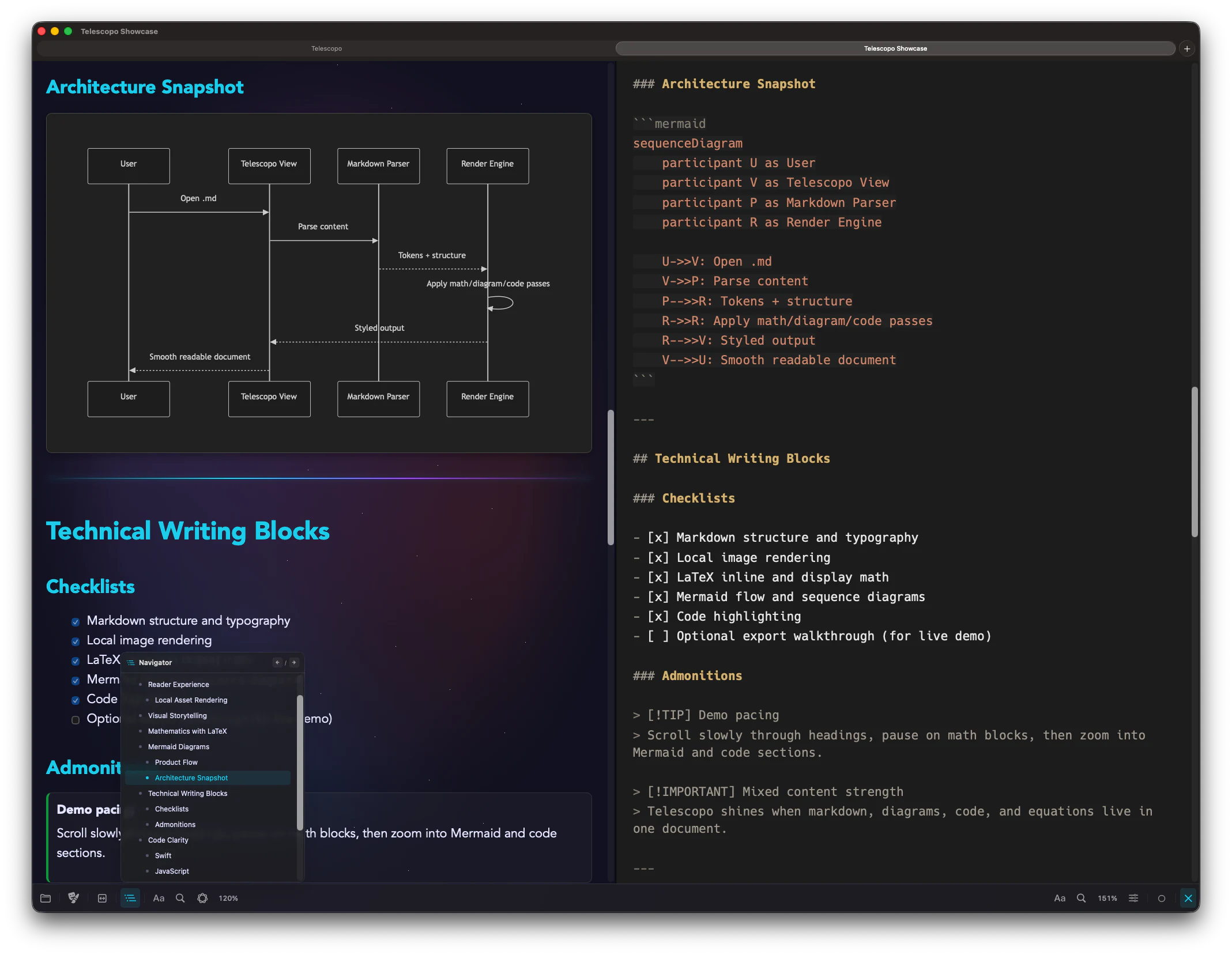
| Document navigation | Outline and preview-focused navigation tools | Telescopo Navigator for moving through long Markdown and code documents quickly |
| AI Assistant | Not positioned as a local document AI assistant | Private, local AI Assistant support for asking questions about open documents on supported Macs |
| Pricing model | Official pricing lists monthly, yearly, and permanent unlock options | Free start, plus Monthly Access, Annual Access, Lifetime Access, and Setapp Membership |
The Practical Difference
Marked 3 is built around previewing and publishing Markdown from other writing tools. Telescopo Markdown Studio starts with a beautiful native viewer, then adds the authoring surface, live preview, templates, Navigator, Live Monitoring, local AI Assistant support, Mermaid, LaTeX, and PDF export in one complete Mac workspace.
Choose Marked 3 if...
Choose Marked 3 if you want to keep editing in another app and use a separate Markdown preview, proofing, processing, and publishing companion.
Choose Telescopo if...
Choose Telescopo if you want the viewer, editor, templates, preview, navigation, AI-assisted review, Live Monitoring, diagrams, math, and export workflow in one native Mac app.
- Marked 3 is built for workflows where Markdown is written somewhere else and previewed, reviewed, or exported in a separate app.
- Telescopo is built for staying in one beautiful native app to read, edit, preview, navigate, monitor, query, and export Markdown.
- Telescopo Markdown Studio gives users a useful native reader before they ever unlock the full workspace.
Why Telescopo Fits Modern Markdown Workflows
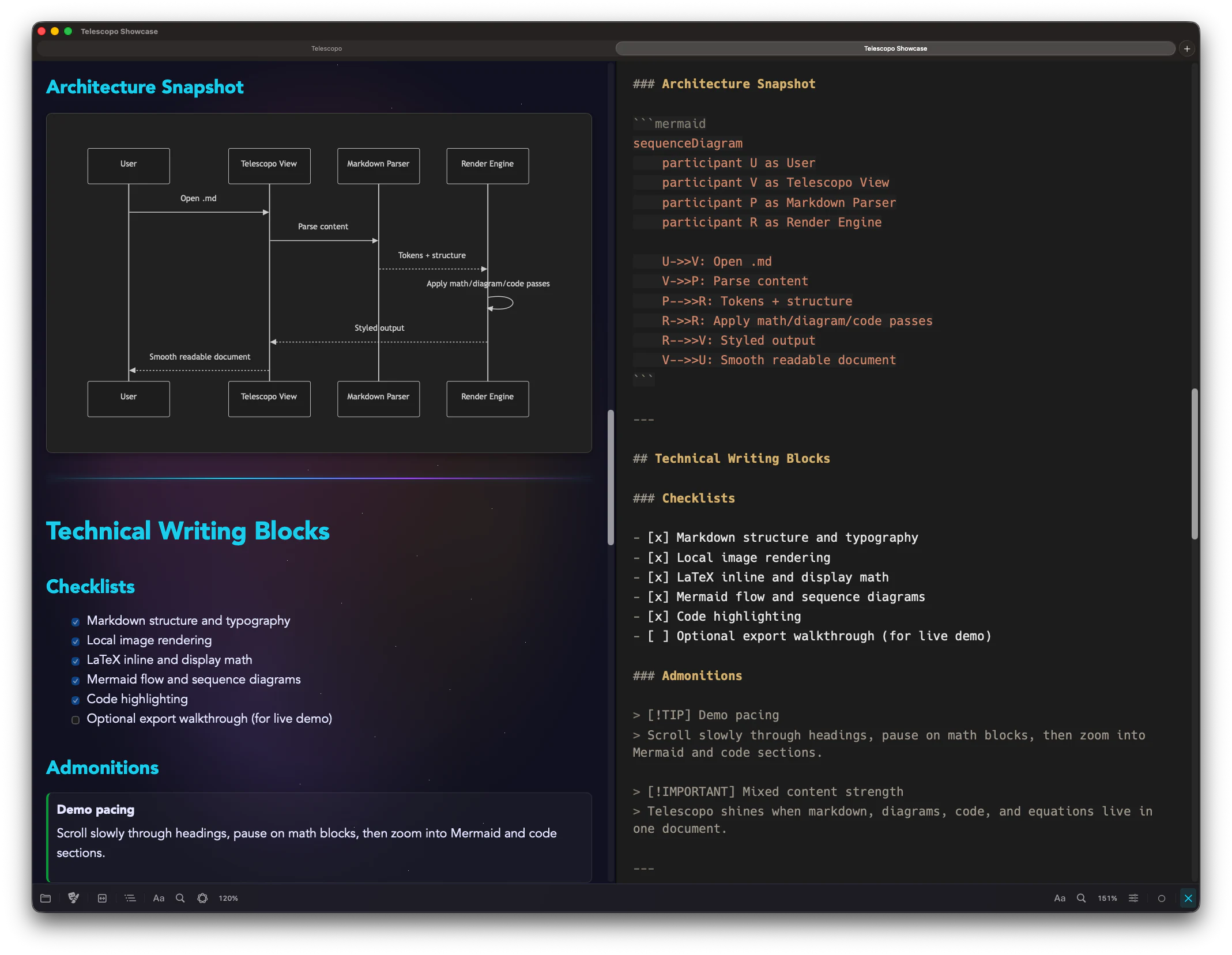
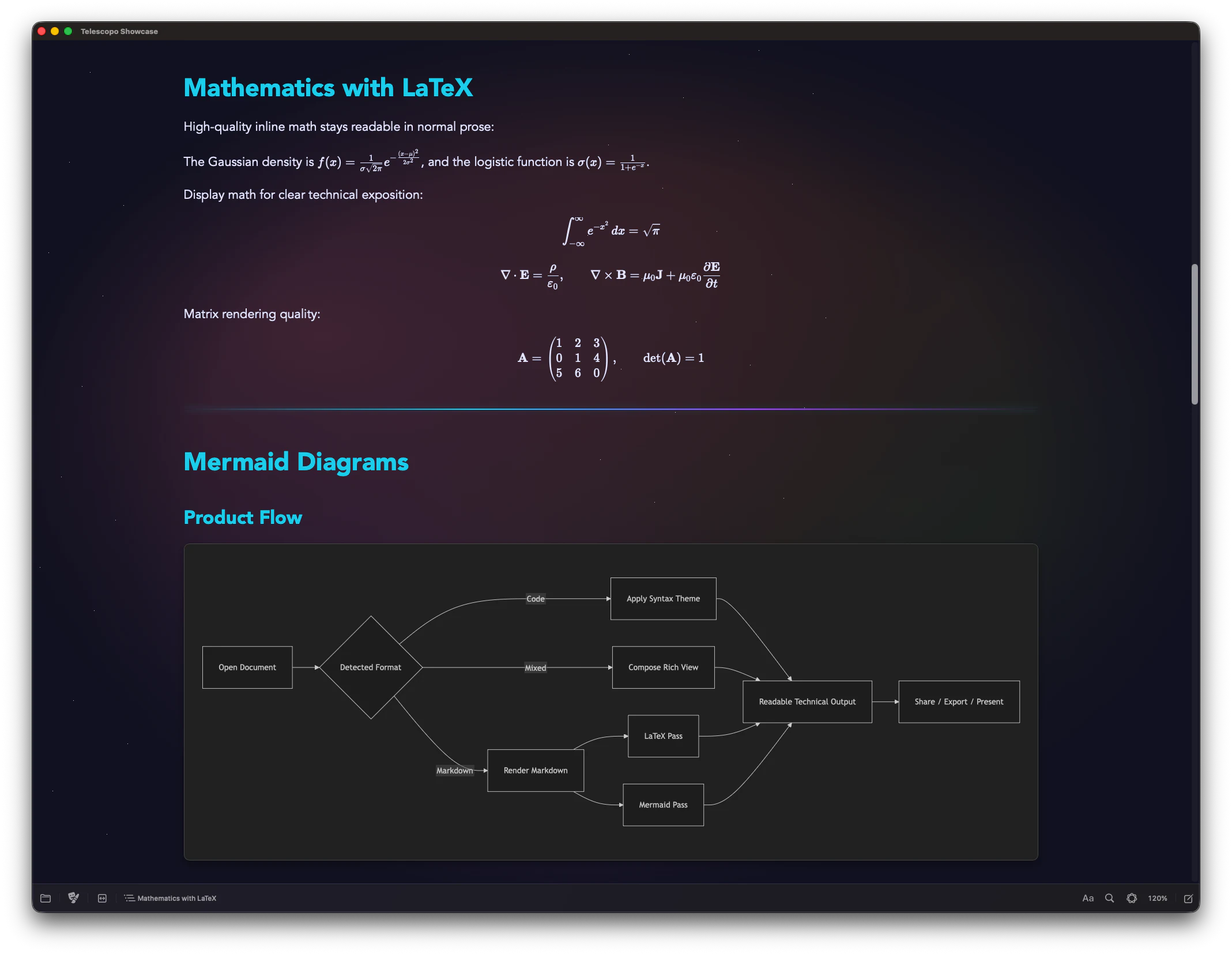
Telescopo is built for Markdown documents that move through real work: a template becomes a draft, the draft grows into a spec or report, diagrams and math become part of the document, AI tools update the file, and the final result needs to be readable, navigable, and exportable.
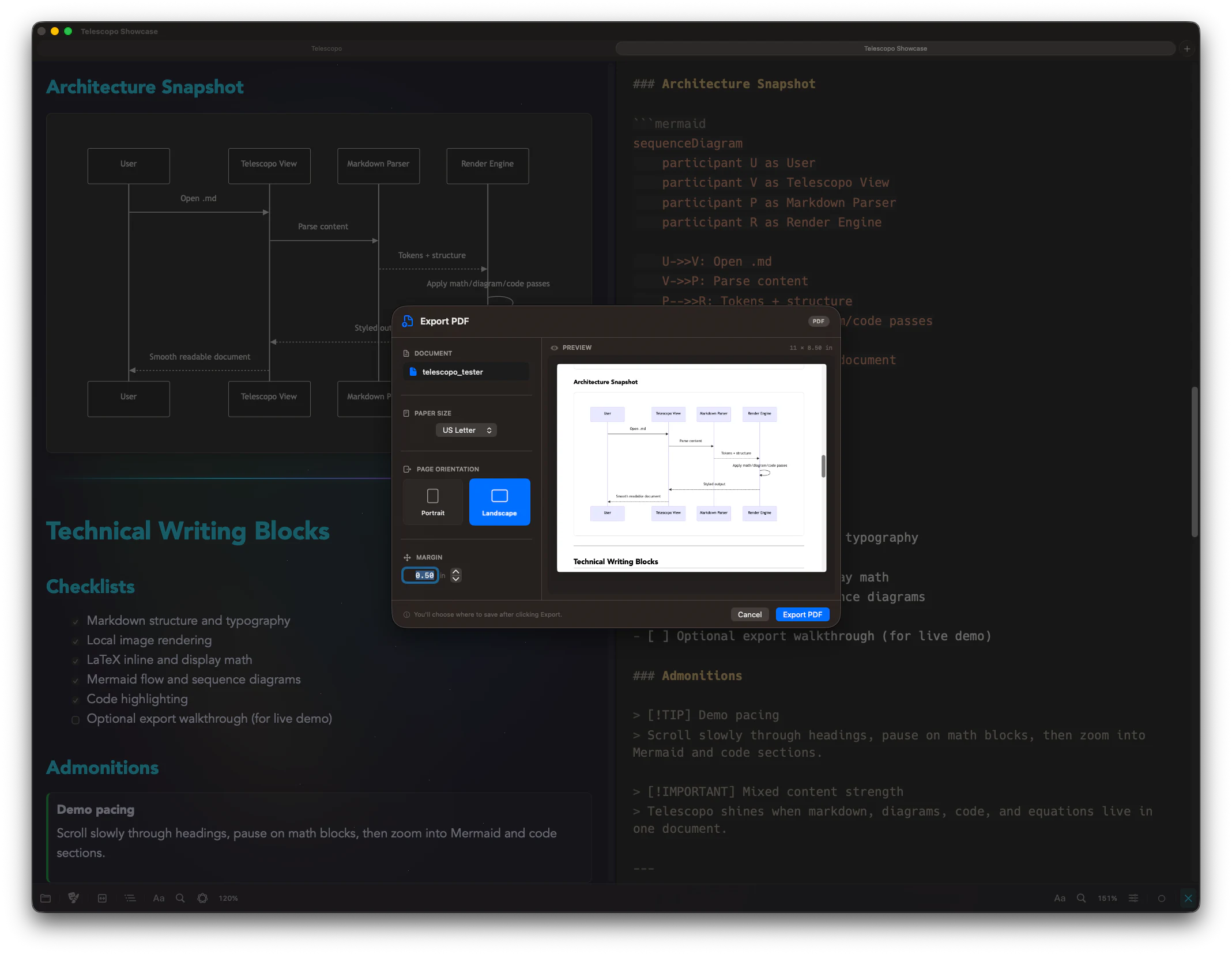
Telescopo Markdown Studio starts with generous focused Markdown reading. Full Telescopo access unlocks the authoring workspace when you need editing, templates, Navigator, Live Monitoring, AI Assistant support, Mermaid, LaTeX, and PDF export.
Pricing: Telescopo starts free. Telescopo Markdown Studio is available through Monthly Access, Annual Access, Lifetime Access, or Setapp Membership.
Official Sources Checked
Competitor descriptions and pricing notes are based on each product's own public pages. Check official pages for the latest pricing and feature details.
Frequently Asked Questions
Is Telescopo a Marked 3 alternative?
Telescopo is the alternative for Mac users who want a native Markdown viewer plus built-in editing, templates, Live Monitoring, AI Assistant support, Mermaid, LaTeX, and PDF export. Marked 3 remains a separate preview and review companion for users who prefer editing in another app.
Does Marked 3 include editing?
Marked 3 is positioned as a Markdown preview, review, processing, and publishing app that works with external editors. Telescopo Markdown Studio includes its own split editor with live preview.
Which app is built for AI-updated Markdown files?
Telescopo Markdown Studio is designed around Live Monitoring for files updated by AI coding tools, scripts, and other apps while preserving the current reading viewpoint.
Is Telescopo cheaper than Marked 3?
Telescopo starts free and offers Monthly Access, Annual Access, Lifetime Access, and Setapp Membership for Telescopo Markdown Studio. Marked 3 pricing should be checked on the official Marked pricing page because it includes subscription and permanent unlock options.